How to Delete a Client Record in Navaro
This guide shows you the steps to navigate to the client list, select a client, and confirm the deletion of their record, including any associated events.

Navigate to the Clients Section
Click on 'Clients' in the main navigation menu on the left sidebar to view the client list.
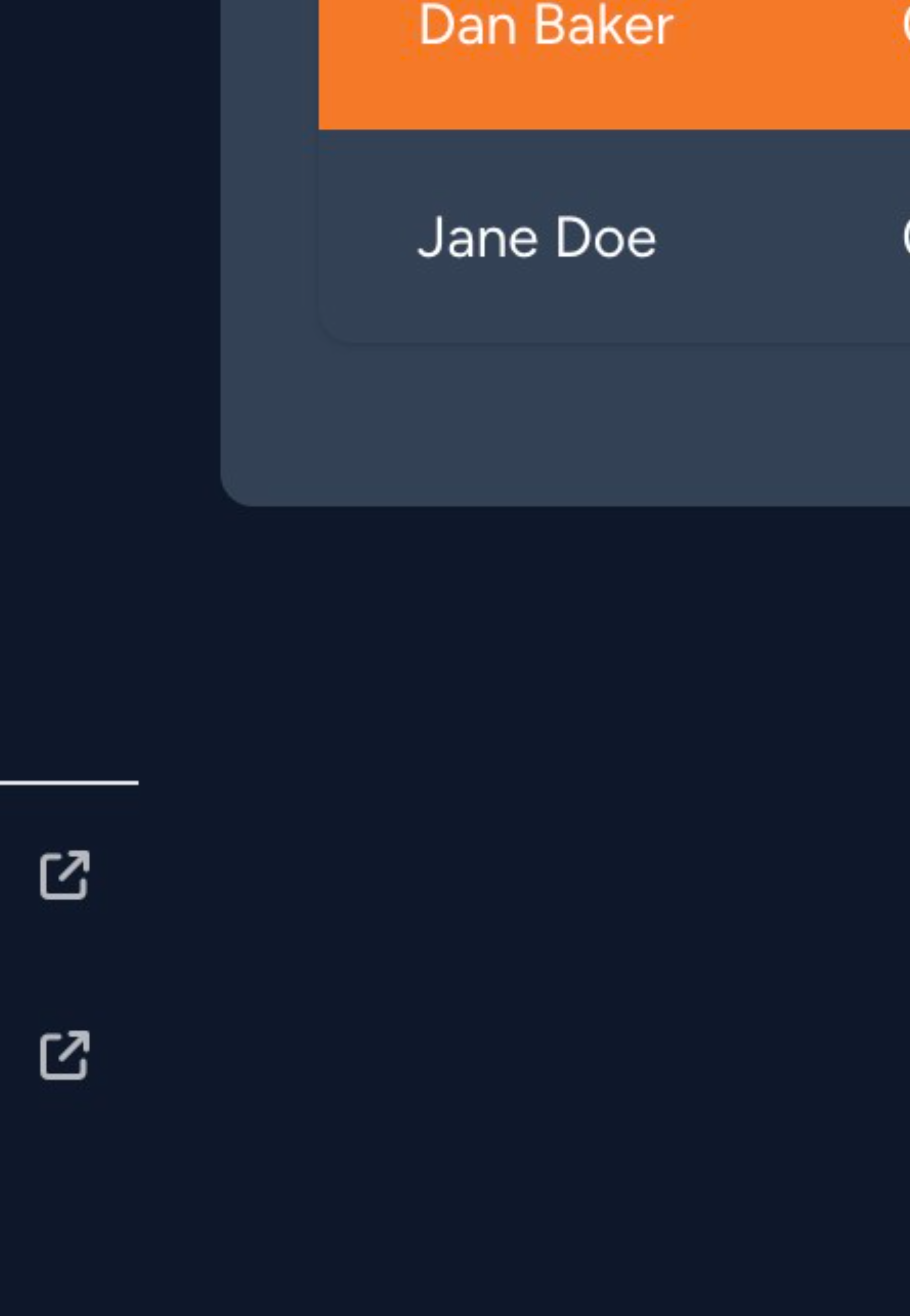
Select a Client to View Details
Click on the entry for the client named 'Dan Baker' in the client table to open their details page.
Open the Actions Menu
Click the 'ACTIONS' dropdown button located in the top right corner of the client details section.
Initiate Client Deletion
From the actions dropdown menu, select 'Delete Client'.
Confirm Client Deletion
In the 'Delete Client' confirmation dialog box, click the 'Delete' button to permanently remove the client record and all associated events.
Was this article helpful?
That’s Great!
Thank you for your feedback
Sorry! We couldn't be helpful
Thank you for your feedback
Feedback sent
We appreciate your effort and will try to fix the article